


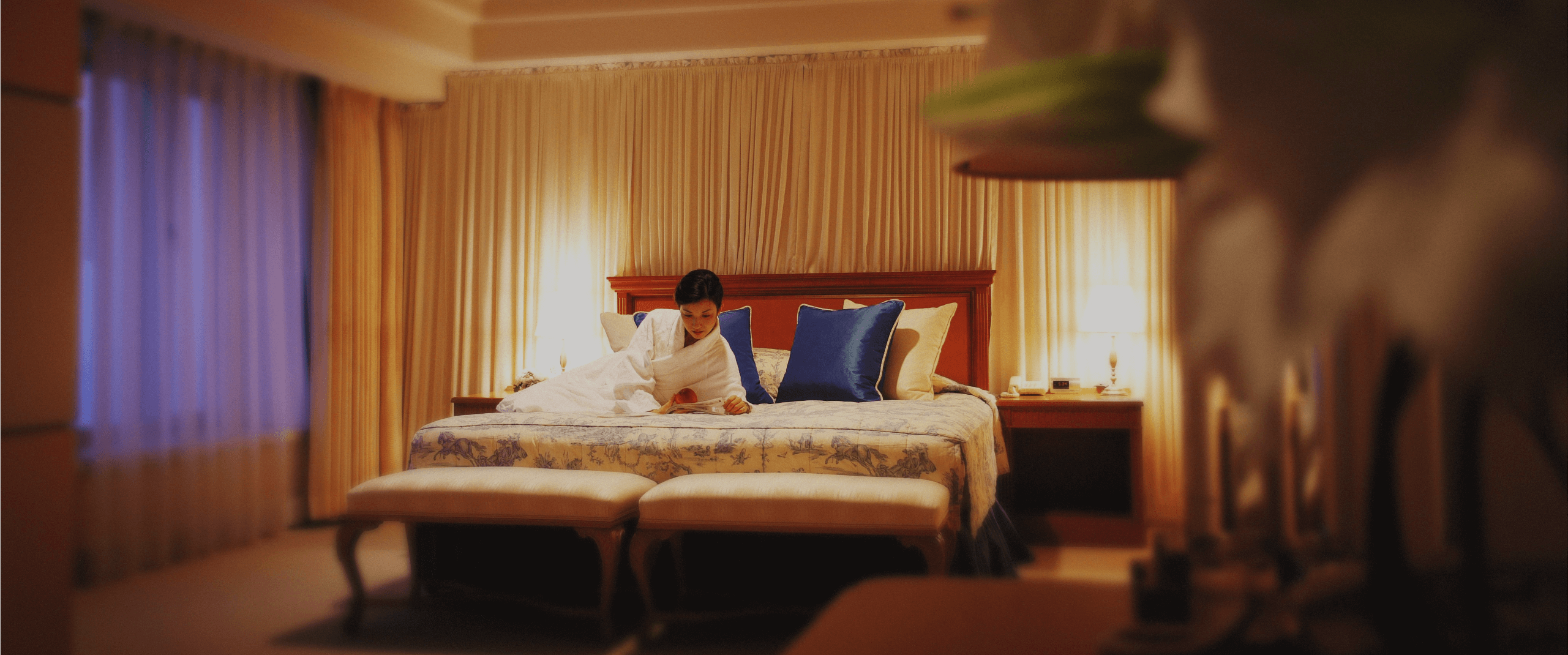
Designed with comfort and spaciousness in mind, each guest room features its own distinctive character. Thoughtful details throughout the room create an inviting space where you can relax at ease.
LUXURIOUS AND ELEGANT
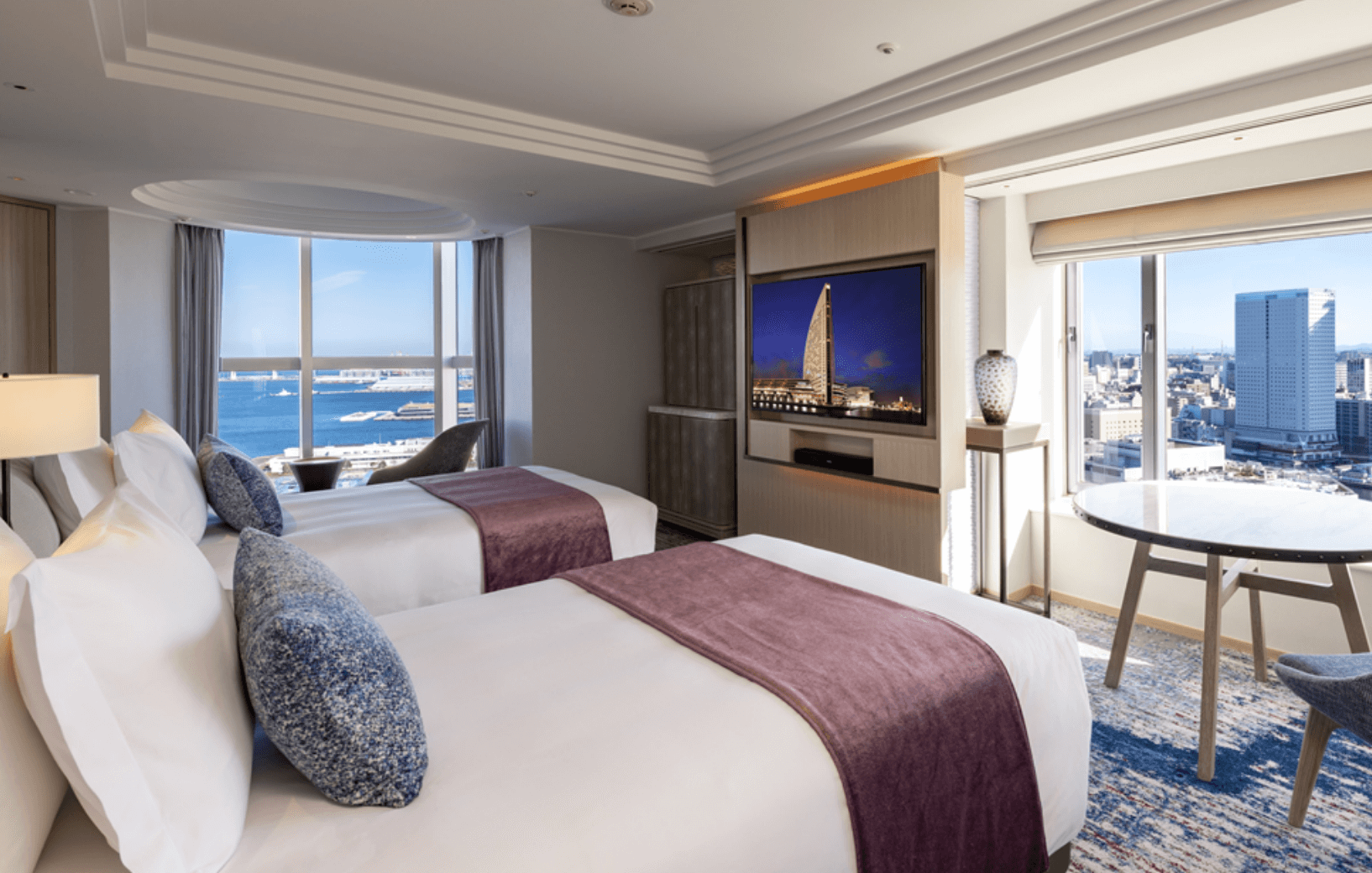
A calm, relaxing space awaits, surrounded by sophisticated décor. Choose between bay-view rooms overlooking Yokohama Port and the Bay Bridge, or city-view rooms with sweeping views of the Red Brick Warehouse and the Ferris wheel. The expansive windows frame stunning scenery that enhances your time of relaxation. A full range of suites is also available, offering a variety of room types to match the purpose of your stay.
- Check-in from 3:00 p.m.
- Check-out time: 11:00 a.m.
- All rooms are non-smoking
*If an accommodation package includes a designated time, that time will take priority.
-
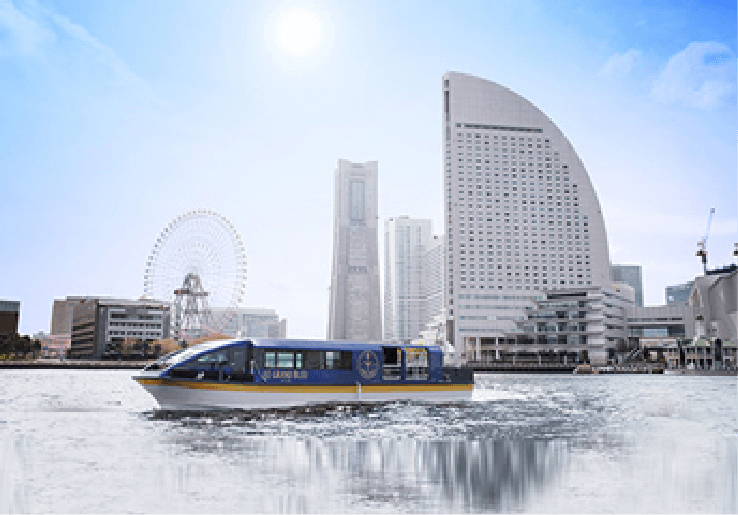
- Sightseeing
- Enjoy an elegant cruise aboard the hotel’s dedicated cruise vessel, Le Grand Bleu. Experience Yokohama from a different perspective on the water.
-

- Business
- Located within PACIFICO Yokohama (Pacific Convention Plaza Yokohama) convention complex, the hotel offers convenient access for attending events. Wi-Fi access is available in guest rooms and the lobby.
-
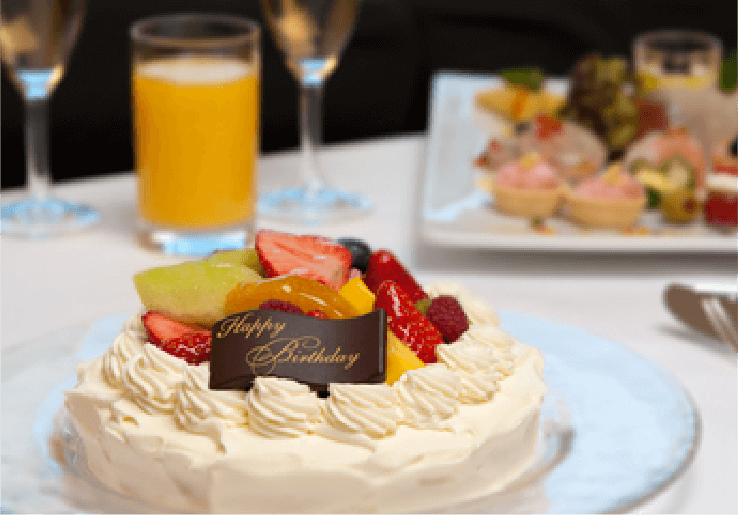
- Anniversaries & Special Occasions
- The glittering night views set the stage for anniversaries, birthdays, and other special occasions. Bouquets, cakes, and other arrangements can be prepared upon request. Accommodation packages with special celebration benefits are also available.
Guest Rooms
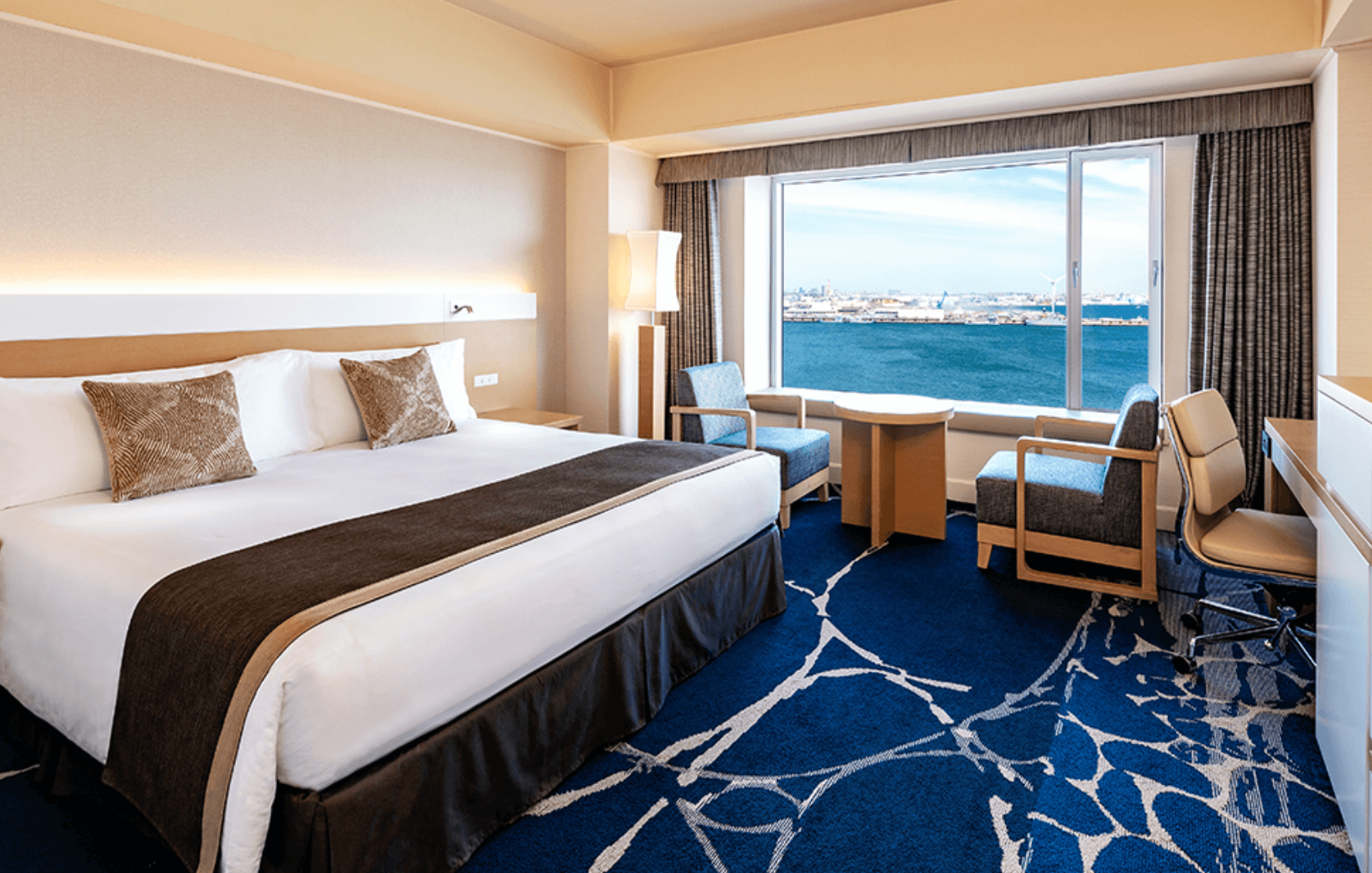
Suites
Elegant décor creates a chic, luxurious setting. A range of suites is available, including rooms where you can enjoy a relaxing bath while taking in harbor views.
Club InterContinental
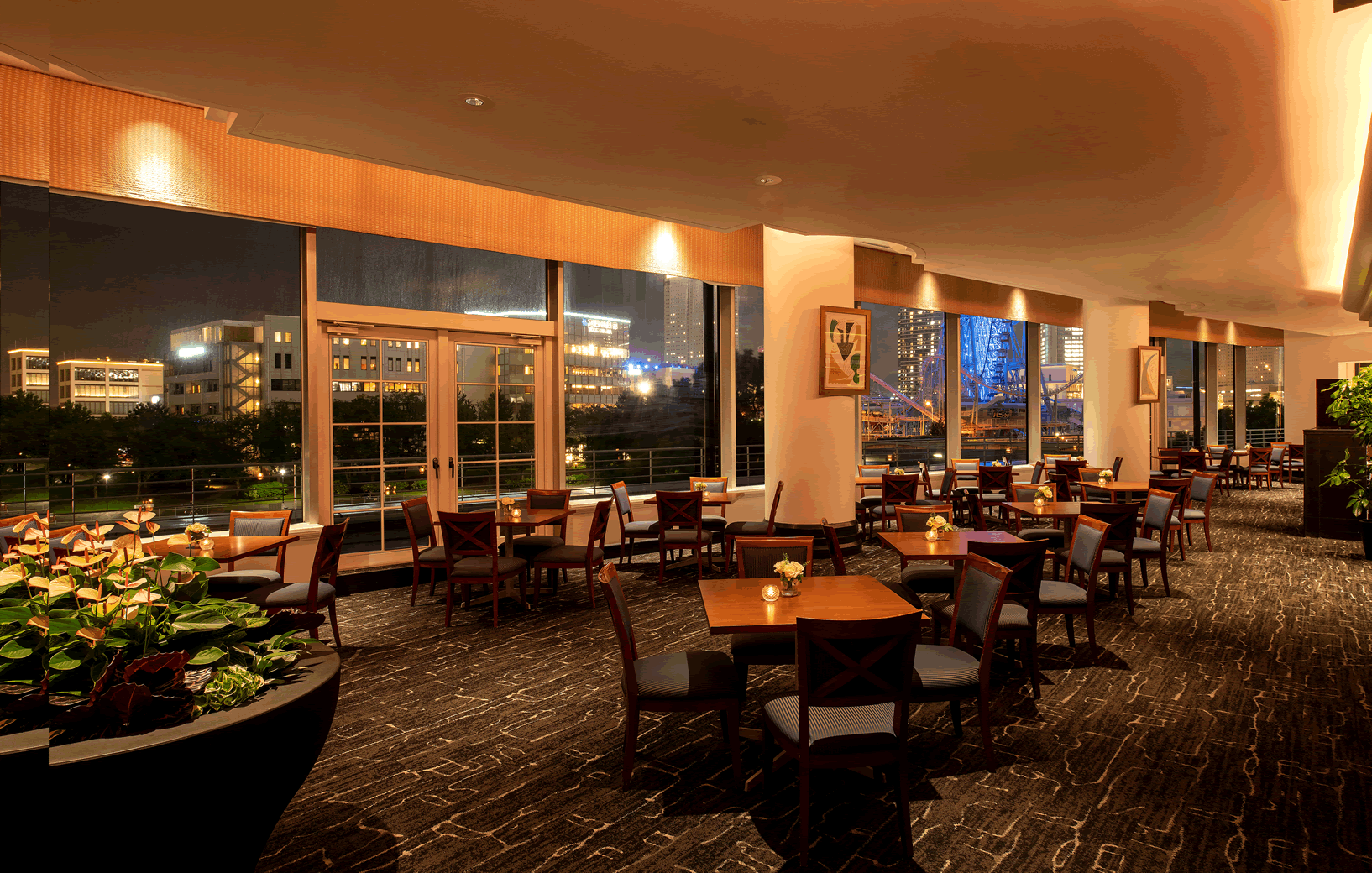
The Club offers a more personal approach to hospitality. Thoughtful attention to detail and an elegant setting create a relaxing and luxurious experience.
Room Packages
Explore the accommodation packages available at InterContinental Yokohama Grand.
Search Room Packages by Occasion
You can search for room packages by theme or purpose.
How to enjoy
-
- INPOOL
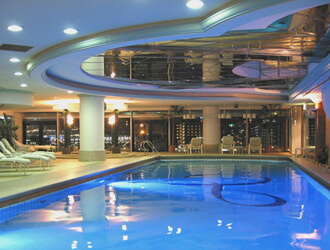
- During your stay, you are invited to use the members-only Harbor View Fitness Club at a special rate. Relax with a leisurely swim in the open, indoor heated pool overlooking Minatomirai. *Available to guests aged 18 and over.
- Learn more
-
- INCUISINES
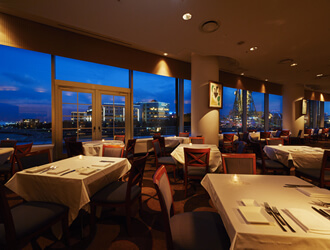
- Enjoy a diverse selection of cuisines, including French, Chinese, Italian, and Japanese. Each restaurant offers its own character, with chefs preparing seasonal dishes that reflect the flavors of the moment.
- Learn more
-
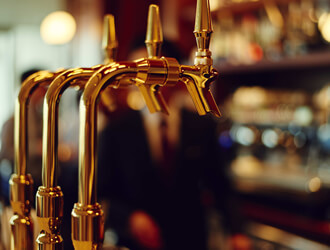
- INBARS
- Fine beverages are offered at two venues: Marine Blue, overlooking the waterfront, and View Lounge 31st, set atop the hotel with views over the Minatomirai cityscape. Enjoy beer, wine, or the hotel's original cocktails as you take in the night views.
- Learn more
-
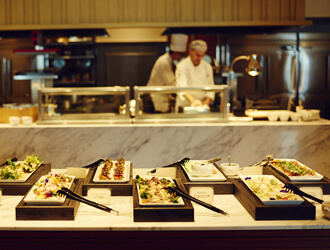
- INBREAKFAST
- Breakfast is one of the highlights of any stay, with a range of options to enjoy at your own pace. The restaurant buffet features made-to-order egg dishes prepared in front of you, along with fresh vegetables and fruit, freshly baked bread, and Japanese selections. A Japanese breakfast at the long-established Nadaman is also available, as well as the hotel’s room service breakfast.
- Learn more
-
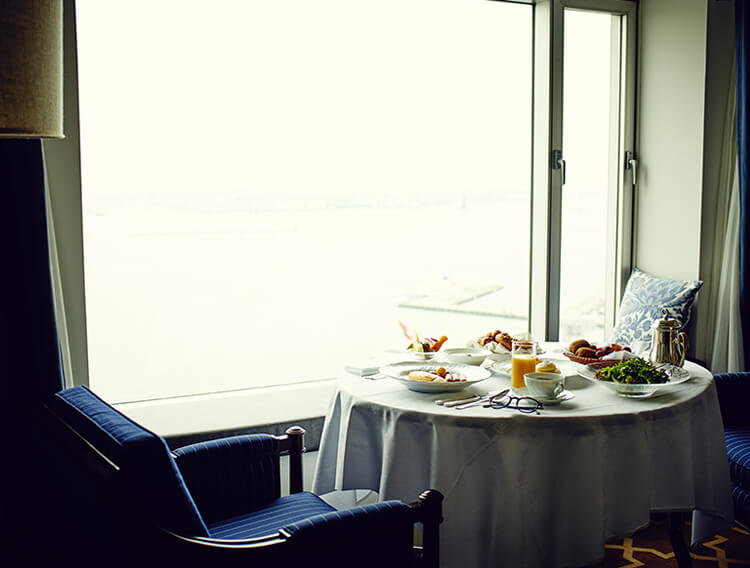
- INRoom Service
- Enjoy a full range of restaurant-style dishes in the privacy of your guest room. Room service is available 24 hours a day, from beverages to meals.
- Learn more
-
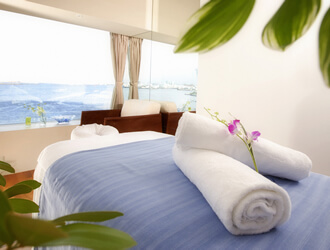
- INSPA
- True to its name, Bay Window is the hotel’s spa, with treatment and relaxation rooms overlooking Yokohama Port. Its open, airy setting looks out over the sea, offering an easy sense of escape from everyday life.
- Learn more